
The Video Looked Ready Until the Sound Came On: A Wan 3.0 Workflow
A short product video can look finished on mute and still need more work when the sound comes on.
Consider a hypothetical coffee ad. The bottle stays sharp, the hand movement looks clear, and the final frame leaves space for a logo. Then the audio is checked. The cap sound arrives before the fingers touch it, the music competes with the spoken line, and the pouring sound continues after the shot ends.
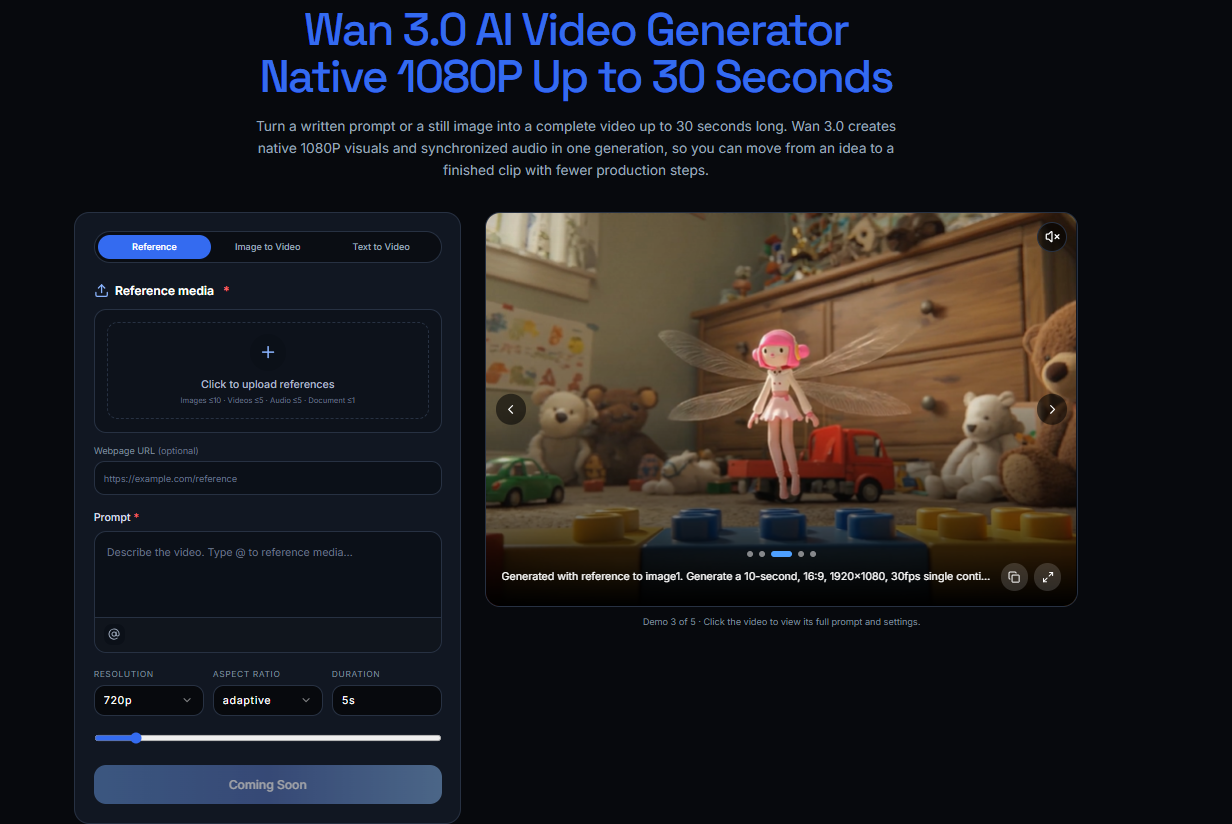
The current JXP page describes Wan 3.0 as creating picture and synchronized audio in the same generation. That makes audio part of the draft from the beginning, but it still needs its own review.
Start With Actions, Not Mood Words
“Cinematic music” and “realistic sound” describe a general feeling. They do not explain what should be heard at a specific moment.
For a 15-second coffee scene, a basic audio plan could be:
- 0–3 seconds: refrigerator door opens; quiet room tone;
- 3–7 seconds: a hand takes out the bottle; soft glass movement;
- 7–11 seconds: the cap opens; one clear click;
- 11–15 seconds: coffee pours over ice; music lowers before the final frame.
This is only an example, not a fixed prompting formula. The useful part is connecting each important sound to a visible action.
Not every second needs dialogue, music and effects. A short pause may give the main action more room. Whether that works will depend on the scene, audience and publishing format.
Keep Spoken Lines Manageable
A sentence that looks short on the page may take longer to say naturally. Reading it aloud before generation is a simple way to check whether it fits the planned shot.
Instead of placing every product detail in the voiceover, the image can carry some of the information. For example:
Ready when the morning starts early.
If the product name or package details are already visible, the voice may not need to repeat them. This is a creative choice rather than a universal rule. Important information should still be included when the campaign or publishing context requires it.
Review the Draft in Four Ways
Watching the clip in different ways can make timing and clarity issues easier to notice.
The order is simple: mute it, hear it, watch it, then try it on the device you expect people to use.
1. Watch Without Sound
Check whether the main action is understandable without audio. Look at product visibility, the order of the movement and the time given to any on-screen text.
This is useful for placements where viewers may watch without sound, but playback behavior varies by platform and user settings.
2. Listen Without Looking
Turn away from the screen and focus on the audio.
Can you follow the main action? Does an effect appear without a clear visual reason? Can the spoken line be heard over the music? Does the ending stop cleanly?
This does not prove that the audio is correct, but it can reveal sections that deserve another check.
3. Review Picture and Sound Together
Pay attention to visible contact points: a hand touching an object, a door closing or liquid reaching a glass.
The goal is not to assume perfect synchronization. It is simply to check whether an obvious difference between the action and the sound distracts from the scene.
The same review is still useful when Wan 3.0 generates the visual and audio as part of one draft.
4. Try More Than One Playback Device
A clip may sound different through headphones, a laptop and a phone speaker. Testing more than one device can help identify dialogue or effects that become difficult to hear.
There is no single device that represents every viewer. Choose the checks that match the intended publishing channel.
Change One Element at a Time
If the audio feels unclear, changing the whole brief at once can make comparison difficult.
Start with one small adjustment:
- shorten a spoken line;
- reduce the music during dialogue;
- move an effect closer to the visible action;
- remove a background sound;
- add a brief pause before the final frame.
Generate or edit another version, then compare it with the earlier draft. Results may vary, so this should be treated as an iterative review method rather than a guaranteed way to improve every output.
Check Permission and Accuracy
Before publishing, confirm that you have the appropriate rights or permission for any uploaded voice, music, recording, image or video reference.
Do not use or imitate a recognizable voice without appropriate permission and a lawful basis. Spoken prices, dates, product details and performance claims should be checked against the current campaign information.
Brand names and unfamiliar words also deserve a separate listen because pronunciation may vary.
The JXP website notes that generated outputs may be inaccurate, incomplete or unsuitable for a particular purpose. Users remain responsible for reviewing the result and complying with applicable rules. Feature access, output and commercial-use conditions may also depend on the selected model, plan, source material and current terms.
The Last Check Should Include Sound
A clean visual does not confirm that the full video is ready. Audio timing, spoken information and playback conditions can change how the scene is understood.
Before publishing, watch the clip on mute, listen without looking, and play it through the devices that matter for the intended channel.
If the message becomes unclear on one of those devices, the draft may need another review.
Рекомендовані статті